Discover how PAGON Connect bridges devices and displays
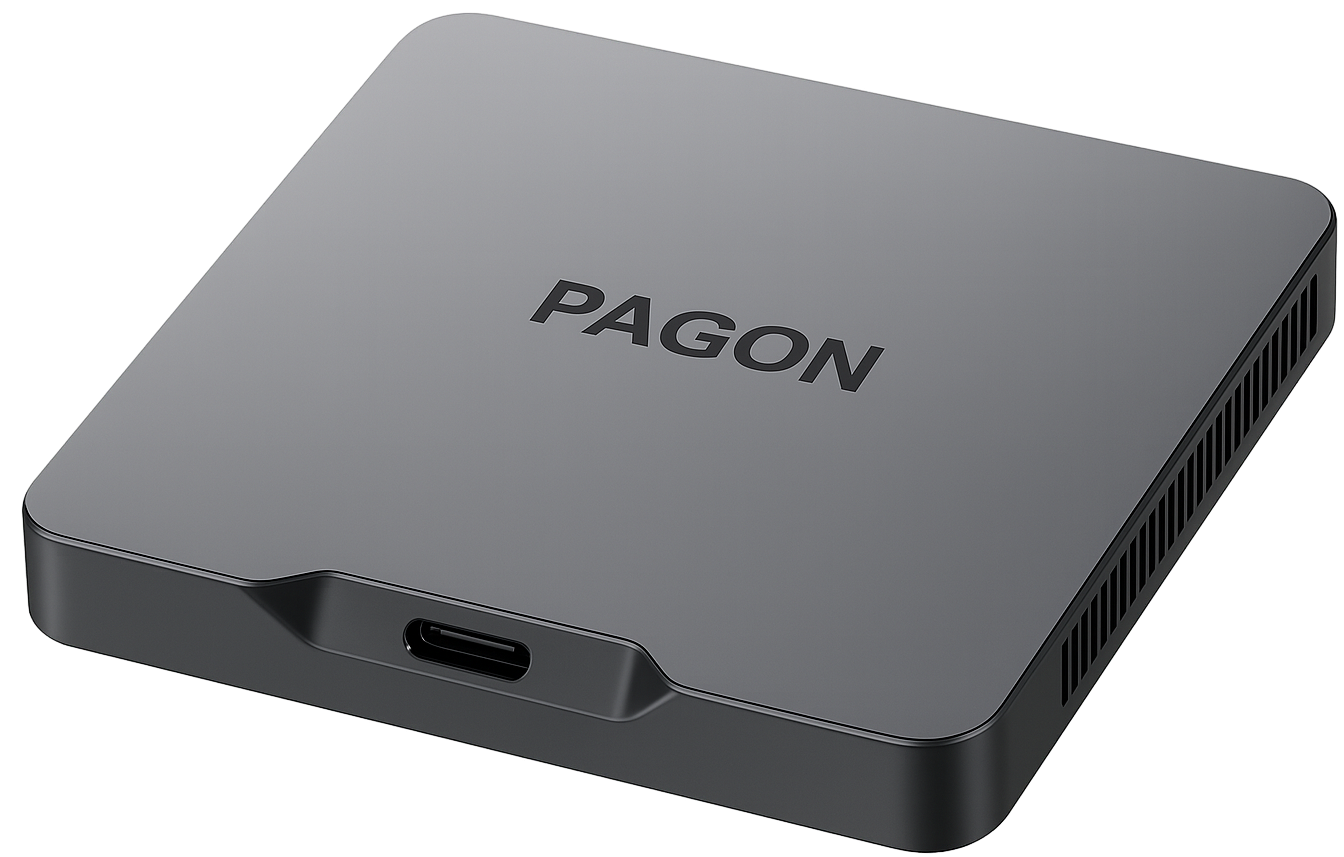
PAGON Connect makes it easy to share your screen from a laptop or device to a large display. Ideal for interactive presentations, lessons, and meetings.
Discover how PAGON Connect bridges devices and displays

PAGON Connect
Get your PAGON Connect in a single click.
PAGON Connect includes Whiteboard mode for collaboration.
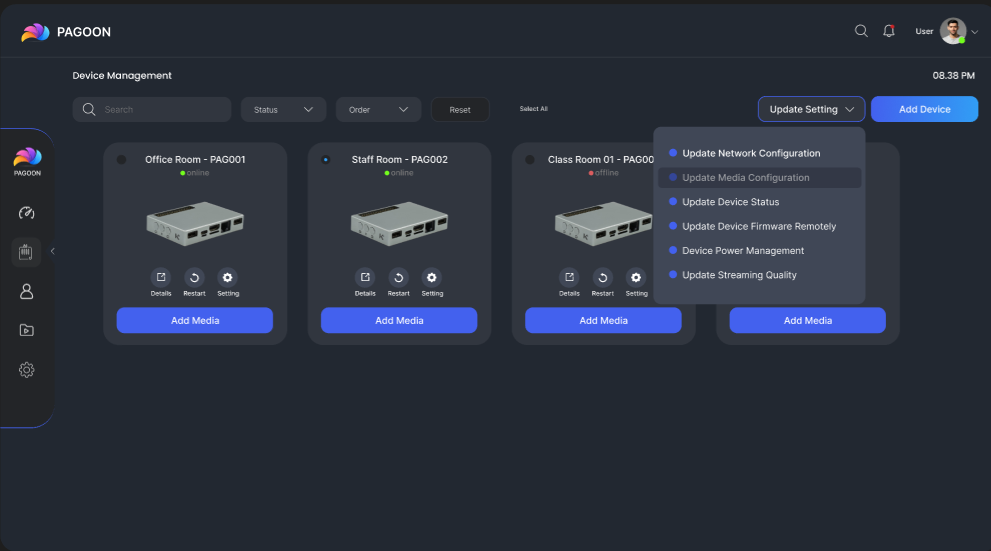
Only IT/Admin teams have access to device settings and configurations via a central control panel.
Add users/devices
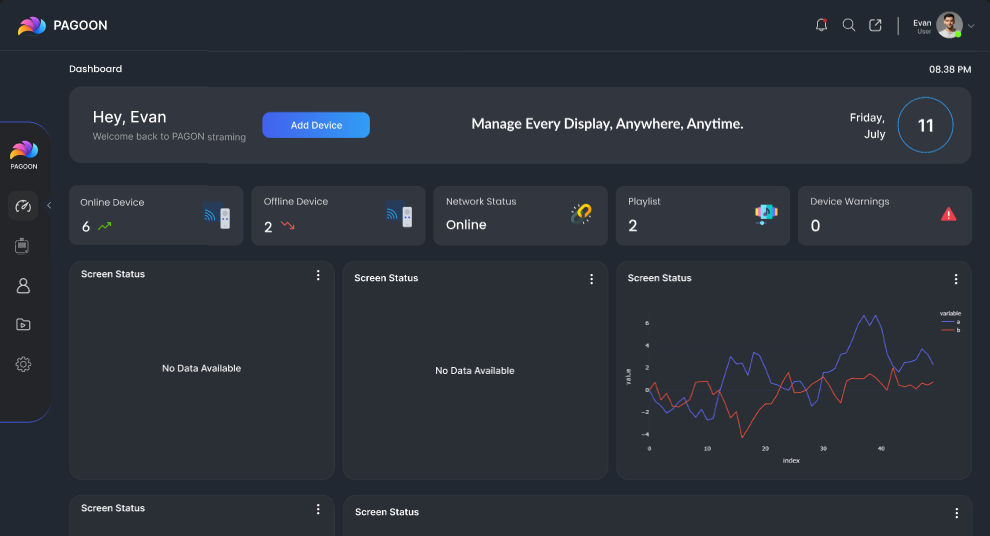
Stay on top of your device’s status, storage, and even the temperature.
Status
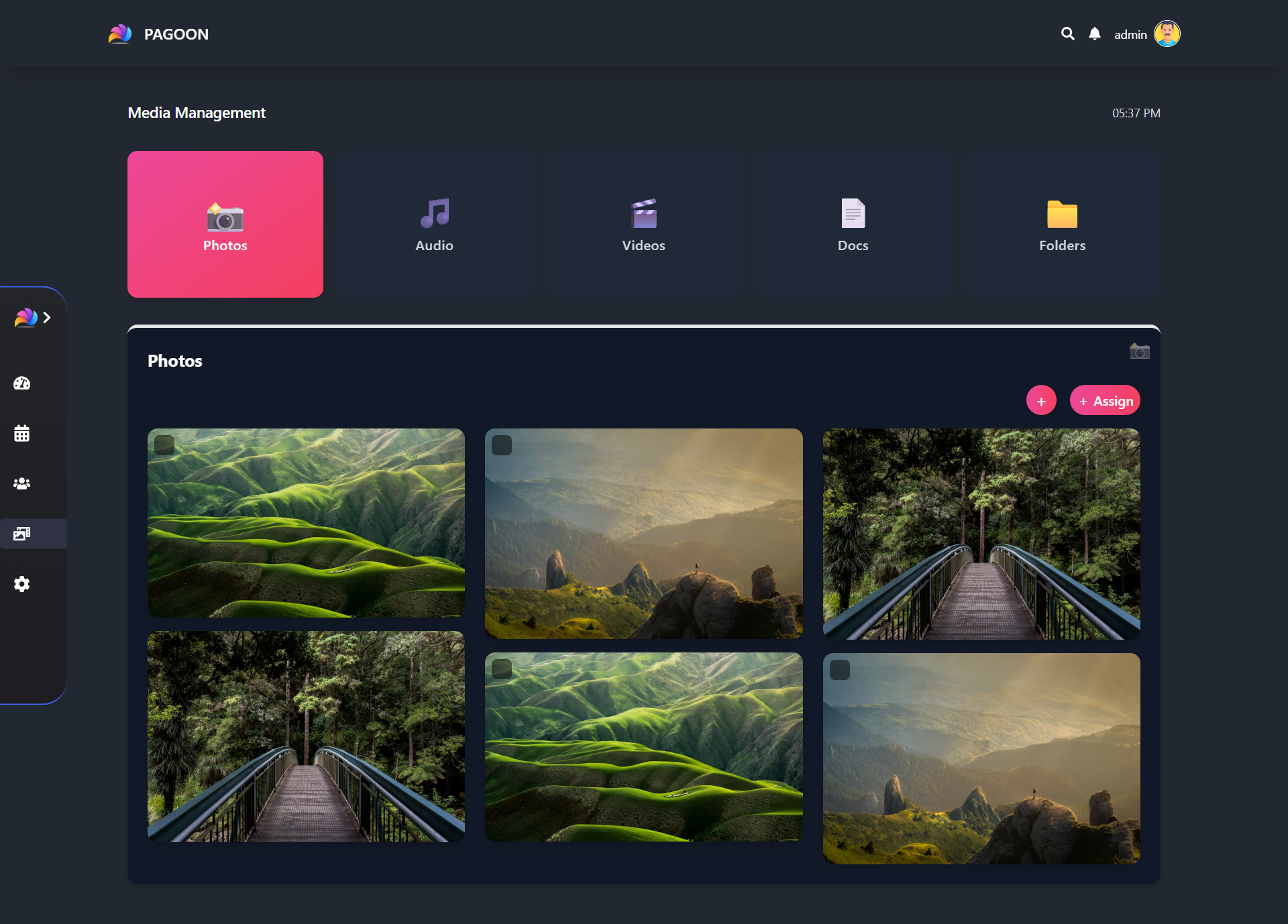
User-friendly interface with comprehensive dashboard insights, Device warnings and diagnostics, playlist and content scheduling
Raise a support Ticket
Install app updates in one click as soon as they’re available.
5 updates available
Get your PAGON Connect in a single click.
PAGON Connect includes Whiteboard mode for collaboration.
Only IT/Admin teams have access to device settings.
Add users/devices
Stay on top of your device’s status, storage, and temperature.
Status
User-friendly dashboard insights, alerts and updates.
Raise a support Ticket
Install updates in one click.
5 updates available
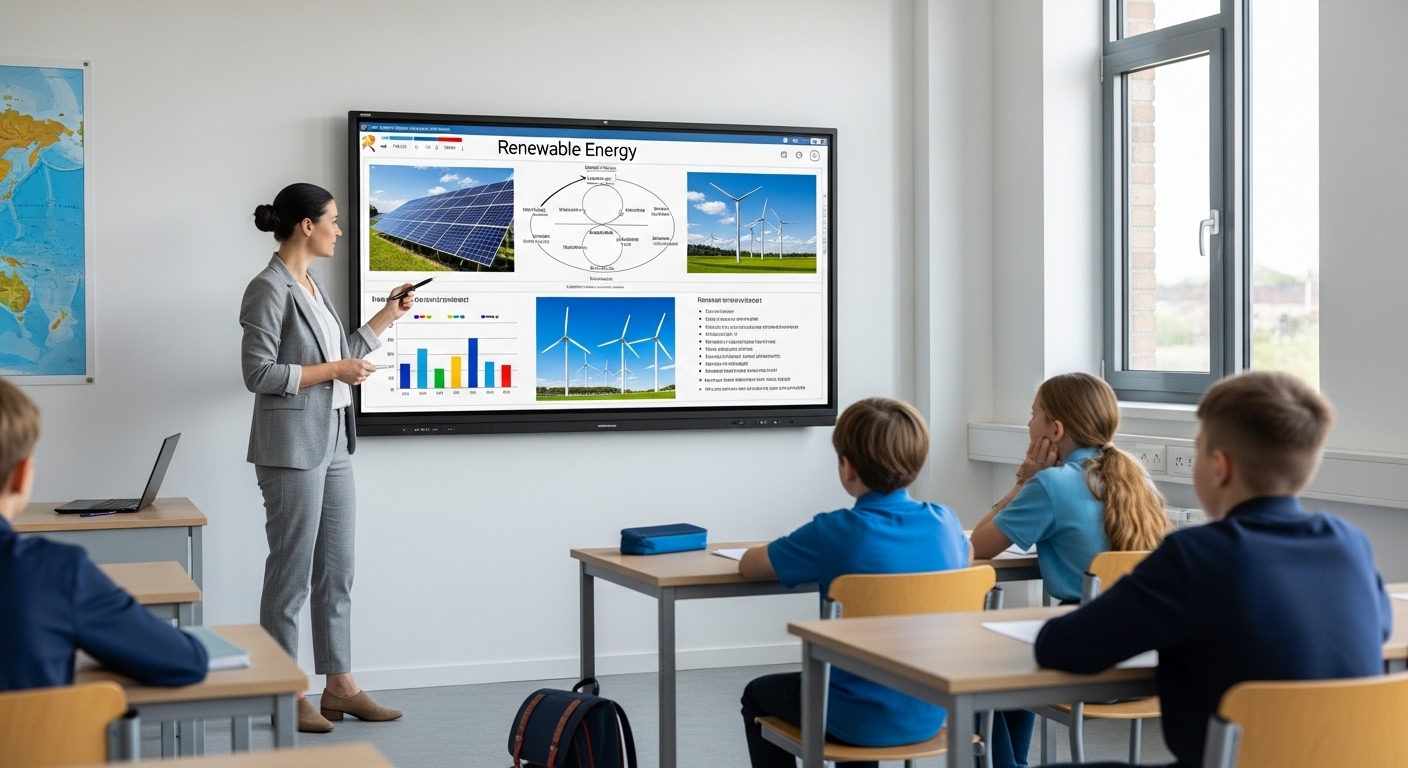
Teachers can instantly share lessons, videos, or documents onto the classroom screen.
Use whiteboard mode to write or draw interactively during lessons.
Use the clock for classroom activities, exams, and tests.

Seamless presentations during meetings and collaborative whiteboard for brainstorming sessions.